Devices supported:
- iPhone 2G
- iPhone 3G
- iPhone 3GS (old bootrom)
- iPod Touch 1G
- iPod Touch 2G
- iPod Touch 3G - running 3.1.2
- Windows XP, Vista or 7 (32 bit or 64 bit)
- .NET framework 2.0
1. sn0wbreeze 2.0.2
2. iPhone firmware file or iPod Touch firmware file
Step 1
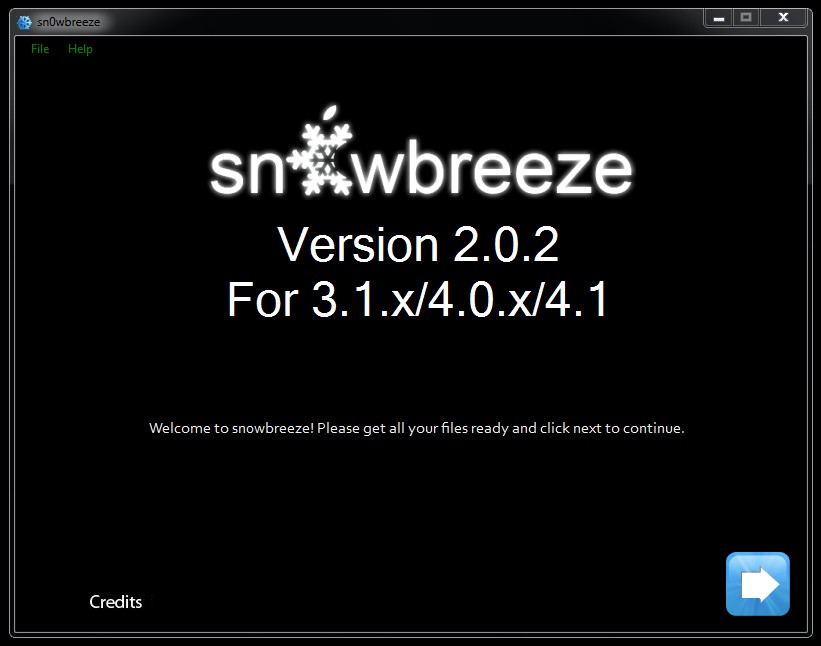
Launch sn0wbreeze v2.0.2

As you can see, this version of sn0wbreeze works on 3.1.x, 4.0 and 4.1.
Step 2
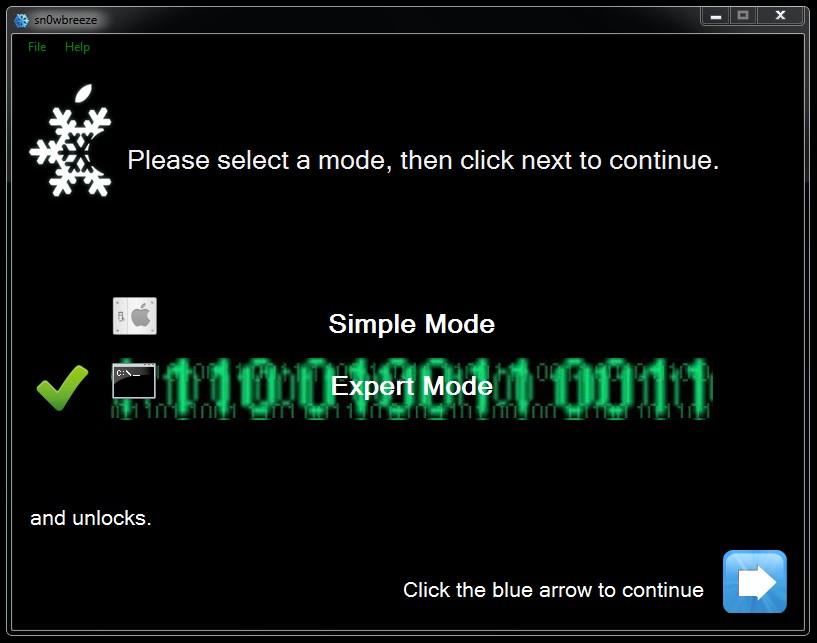
Select the mode you want to use. I choose Expert Mode so that I can choose my options.
Step 3
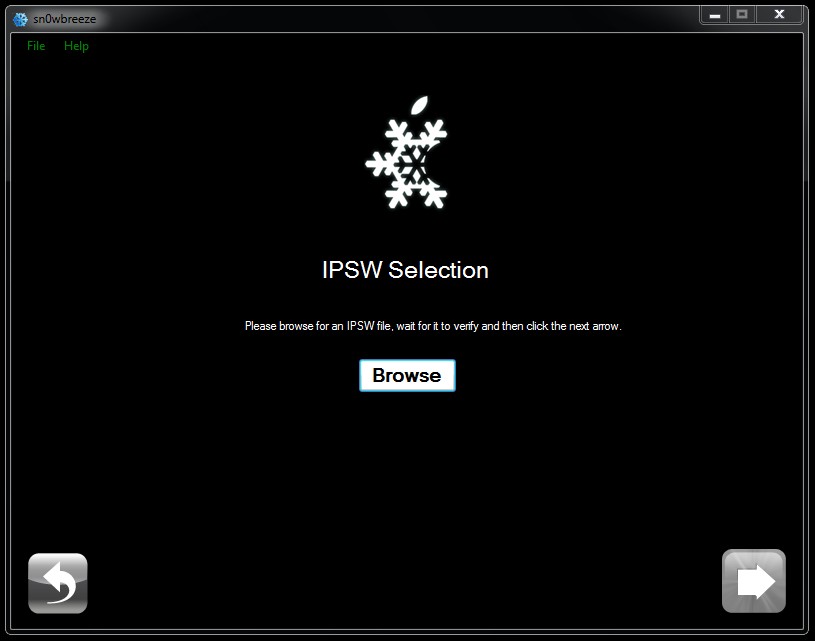
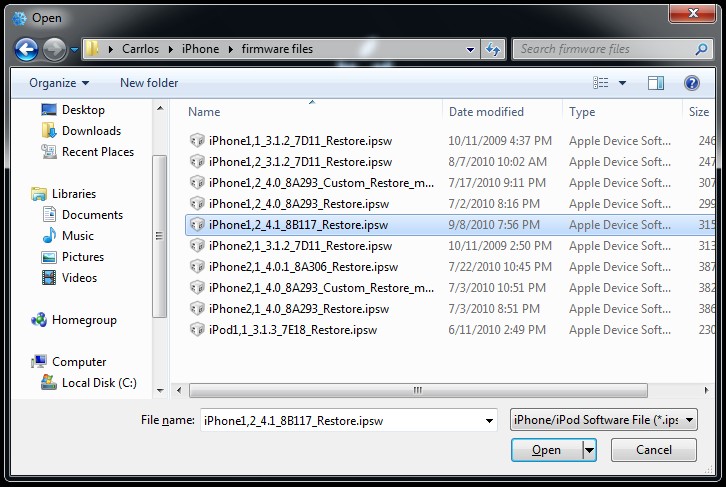
Select the firmware file that you downloaded for you device.
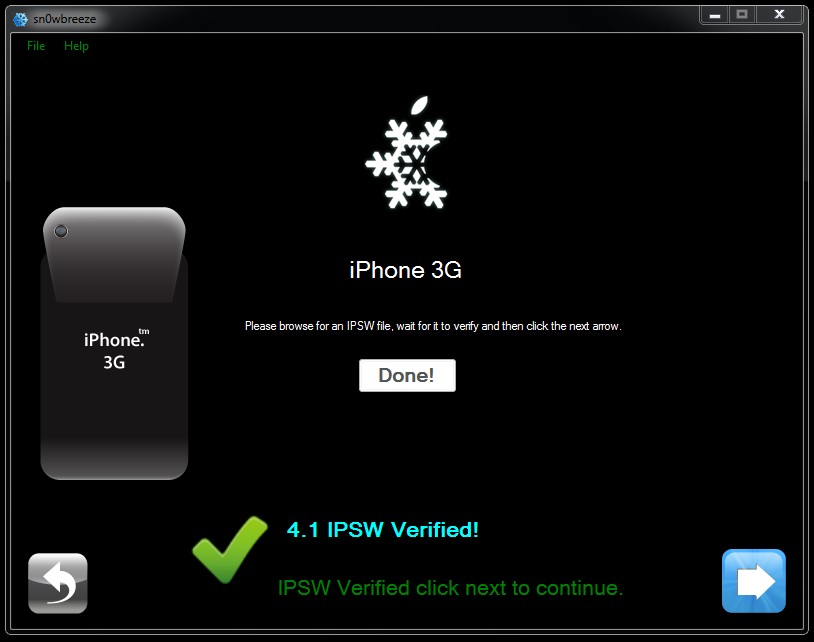
Step 4
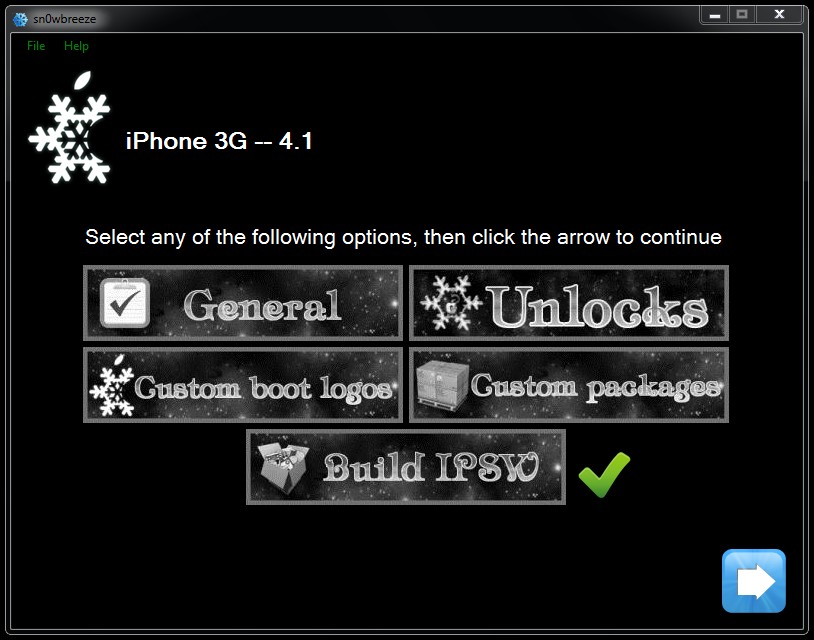
Select the options you want for your custom ipsw file.
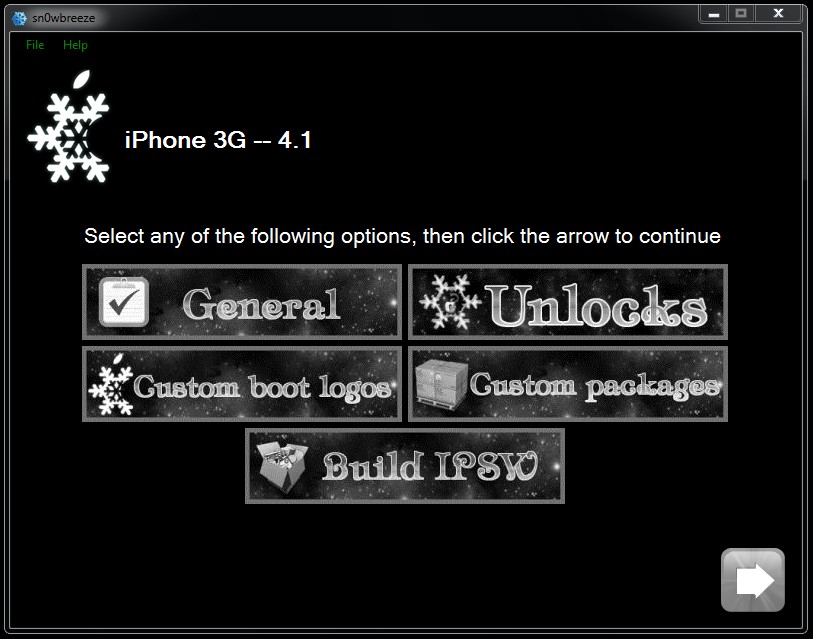
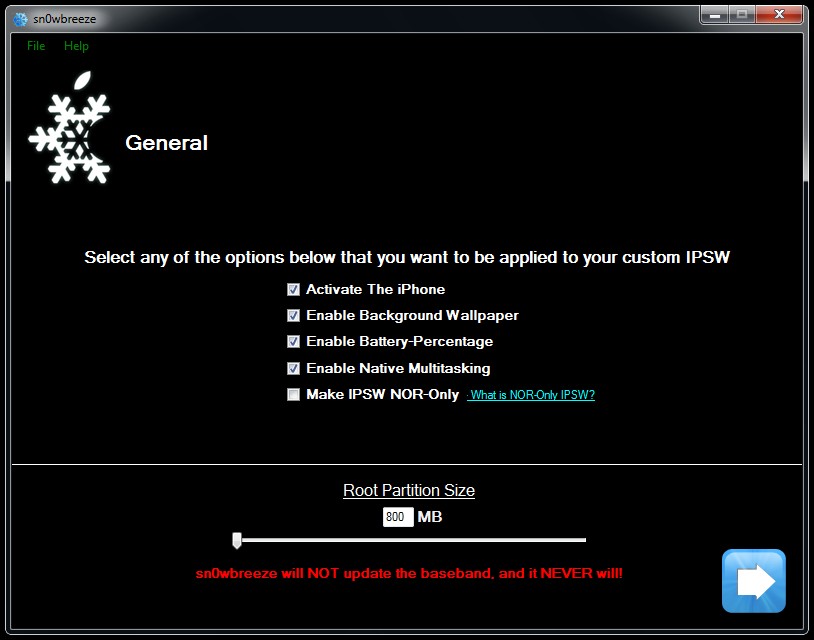
Here are the various General options:
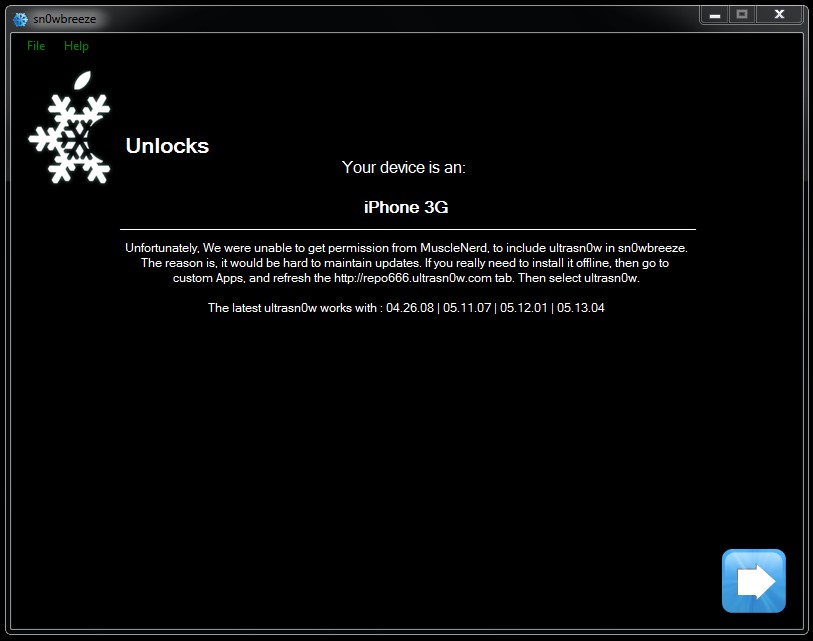
You still have to unlock through ultrasn0w in Cydia:
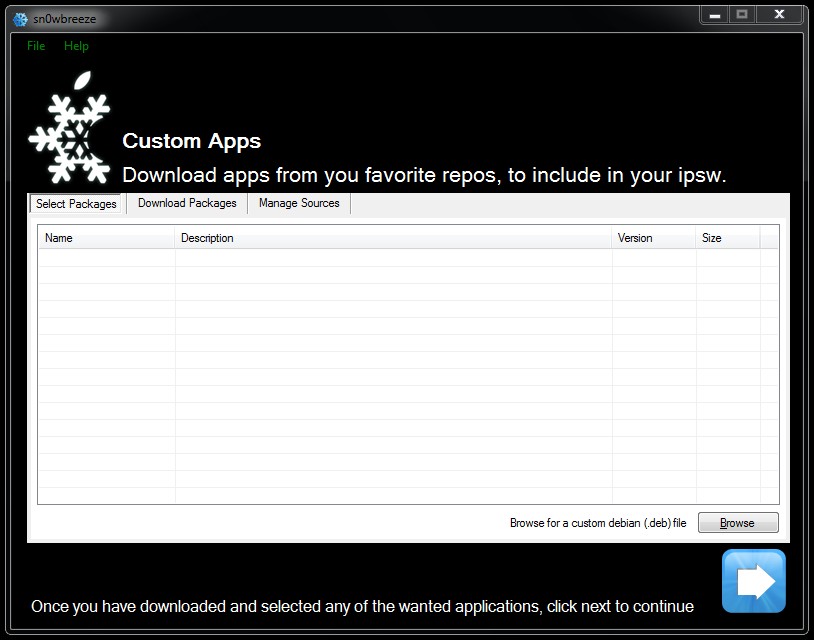
At this step you can pre-install any of your favorite apps and/or sources:
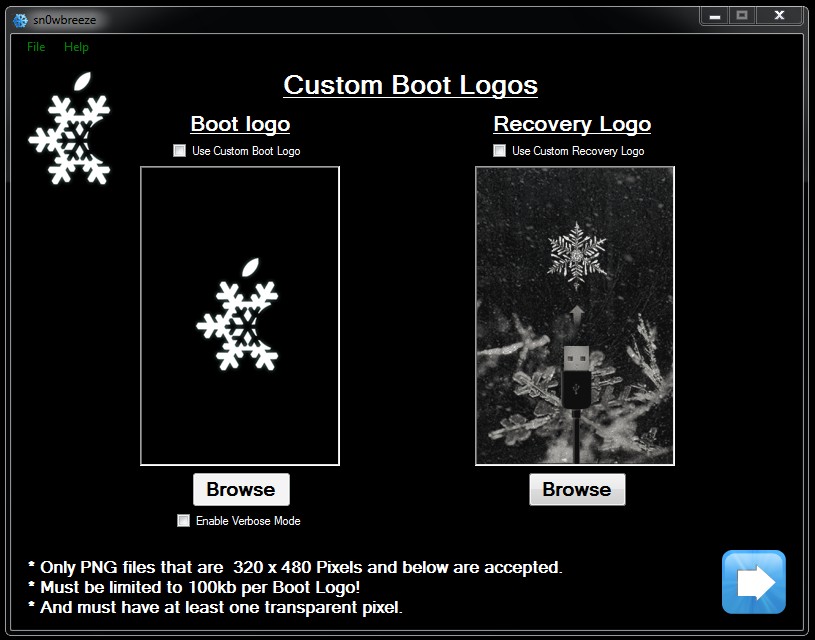
Enable any custom boot logo you want or use the sn0wbreeze default logos:
Step 5
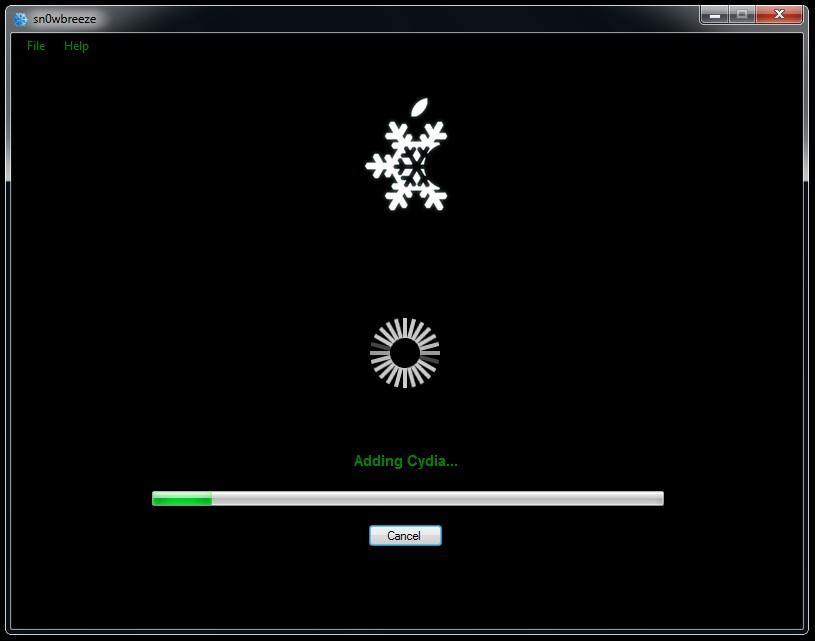
Now you can build your custom ipsw file.

Step 6
Place your phone in Recovery Mode, launch iTunes and shift-click Restore to
your custom ipsw!

*If you need to unlock, you can install ultrasn0w through Cydia!
Credit goes to maXimus of iphonemodding.com for making this guide


No comments:
Post a Comment